Template Styles
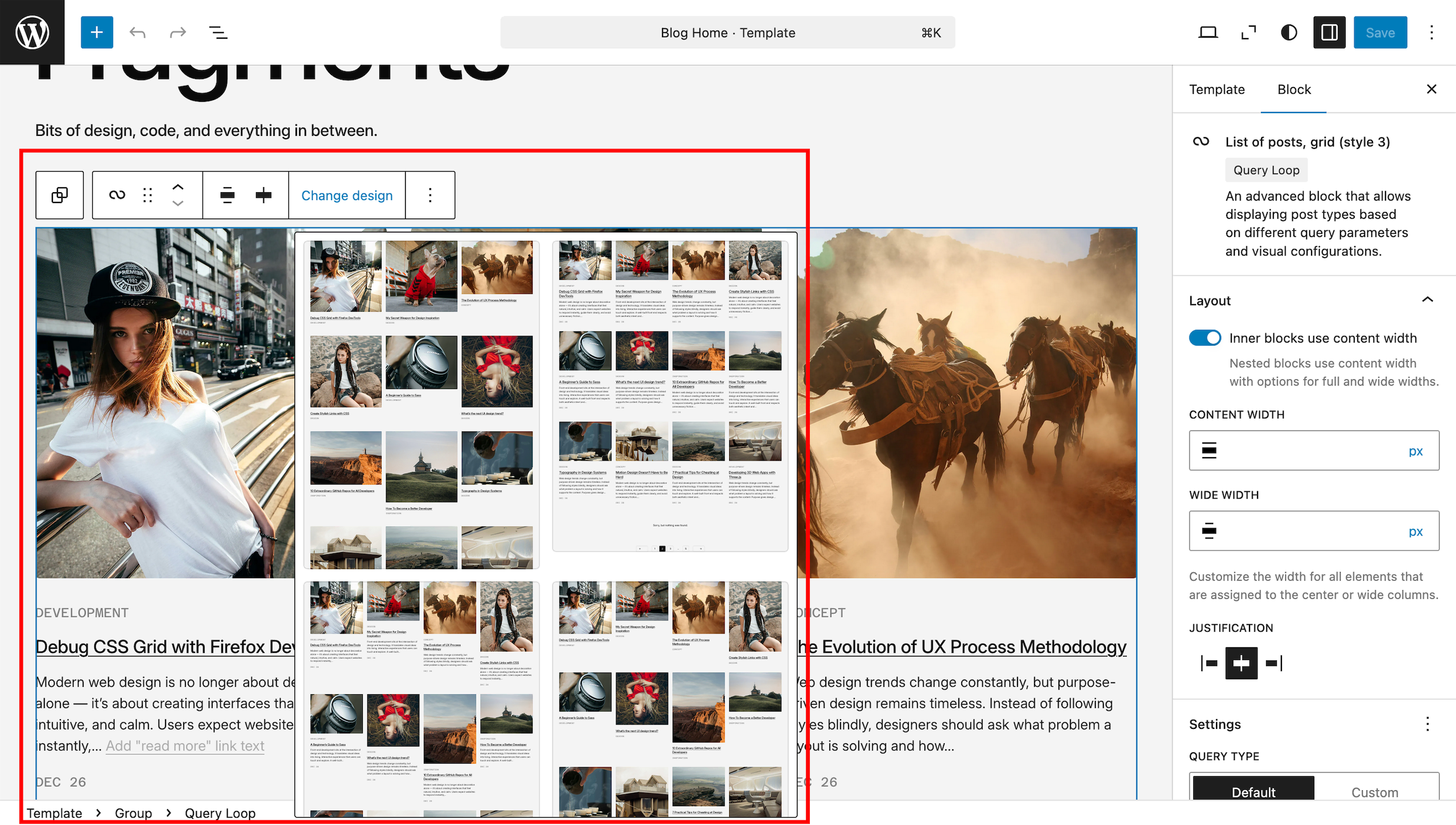
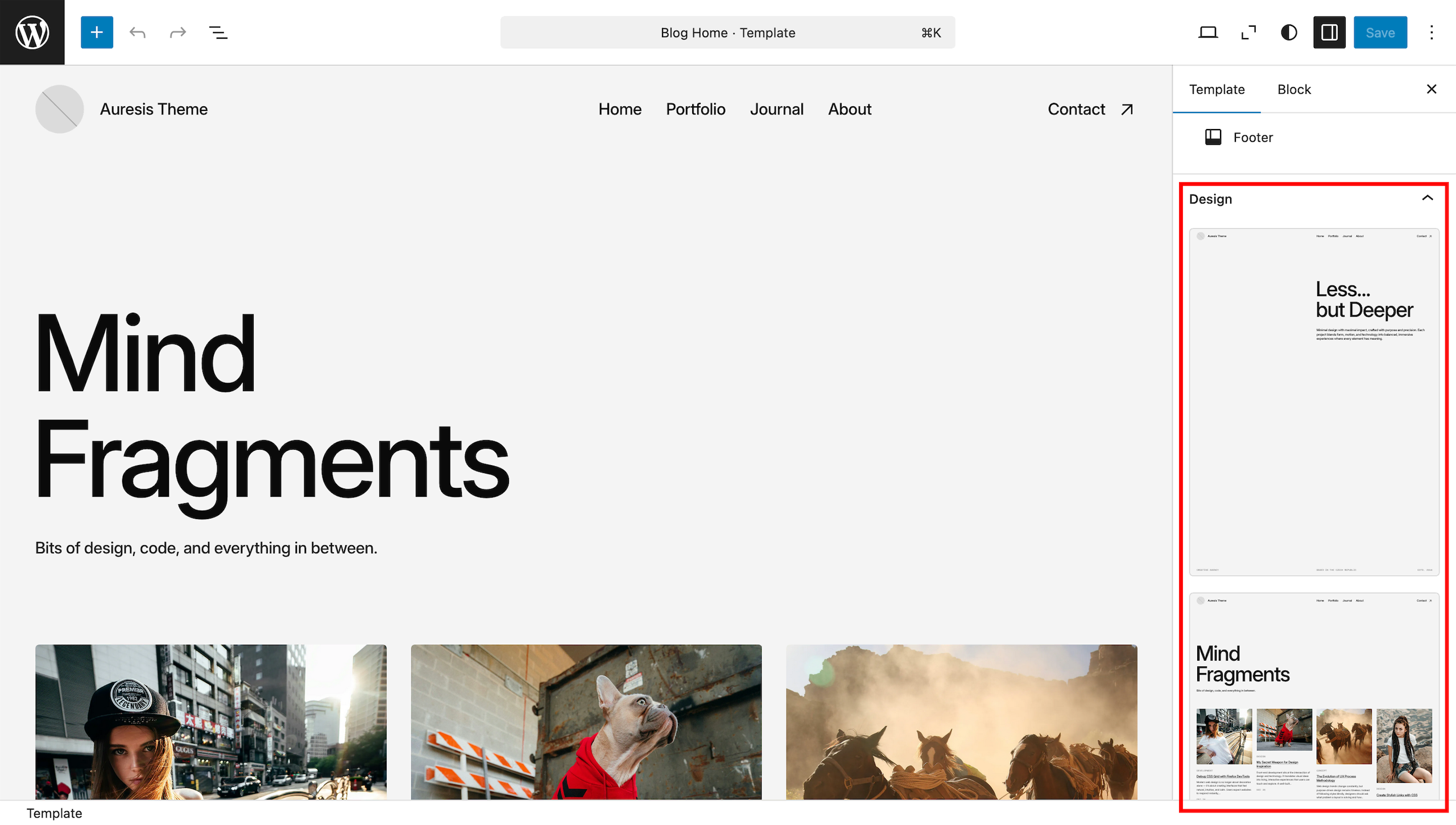
The theme includes several display options for different pages of your site. You can choose how your blog page, portfolio page, archive and search pages will look. To do this, simply go to “Dashboard > Appearance > Editor > Templates”, open the template you want to change and in the right column of settings select the design that suits you best.
To change the appearance of the posts feed (or the projects feed), go to the “Dashboard > Appearance > Editor > Templates”, open the template you want to change, select the “Query Loop” block on the page, click “Change design” and choose one of the available options.